Getting a clean, straight cut sounds simple until you actually try it with a pair of scissors and a wobbly hand. Anyone who has ever tried to trim a stack of photos or line up a document for a presentation knows how quickly things can go wrong. A crooked edge, a torn corner or an uneven line can ruin hours of hard work in seconds.
This is why the right tool matters so much. Whether you work in an office, run a design studio or simply enjoy craft projects at home, precision cutting tools make all the difference between a professional finish and a messy one. We want to walk you through why rotary trimmers have become the go-to choice for anyone who values accuracy, and how picking the right one can save you time, money and a fair bit of frustration.
What Are Rotary Trimmers and How Do They Work
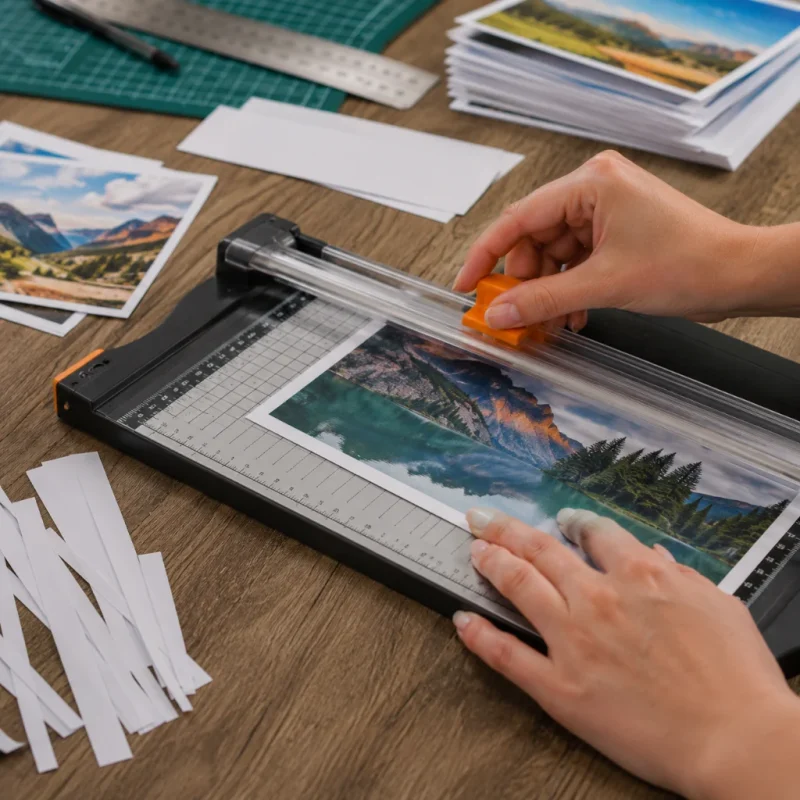
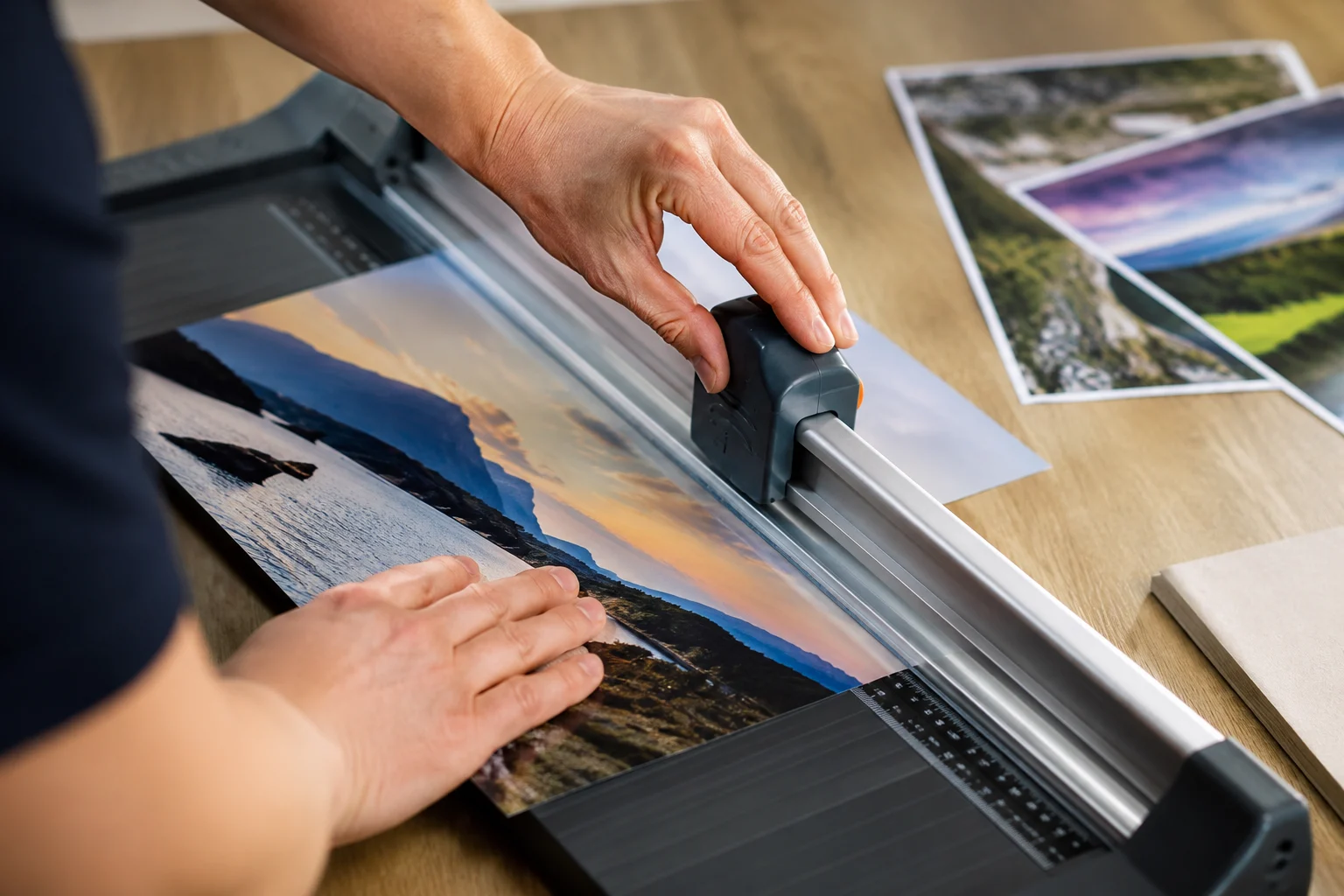
Rotary trimmers are cutting devices built around a simple but clever idea. Instead of a blade that chops down like a guillotine, a rotary trimmer uses a small circular blade that sits on a sliding carriage. This carriage moves along a fixed metal rail, and as you push it forward, the blade rolls smoothly through the paper.
The result is a cut that is straight, clean and consistent every single time. Because the blade is round rather than flat, it slices through the material rather than pressing down on it, which means less tearing and fewer ragged edges.
Rotary trimmers usually have a flat base with measurement guides printed on it, so you can line up your paper exactly where you want it before you start cutting. Many also come with a paper clamp that holds your sheets firmly in place, stopping them from shifting mid-cut.
These machines are not just for paper either. They handle photographs, thin card, laminated sheets and even some fabrics with ease. This kind of flexibility is one of the reasons rotary trimmers have found a home in schools, offices, print shops and craft rooms across the country.
Why Rotary Trimmers Beat Scissors and Guillotines
Accuracy and Precision You Can Rely On
When you are working on something that needs to look sharp, whether that is a portfolio, a school project or a batch of business cards, small mistakes stand out. Scissors rely entirely on a steady hand, and even the steadiest hand can wobble halfway through a long cut. Guillotines can crush paper edges or leave a slightly uneven line if the blade is not perfectly sharp.
A rotary trimmer solves both problems. The blade follows the rail precisely, so your cut stays straight from start to finish. This makes it a brilliant choice for anyone doing detailed design work, where a millimetre out of place can throw off an entire layout. The Q-Connect A4 Rotary Trimmer is a great example of a compact machine built for exactly this kind of accuracy, ideal for everyday office tasks where every cut needs to look tidy.
Safety Built Into the Design
Anyone who has nicked a finger on a craft knife or a guillotine blade knows how quickly things can go wrong with exposed cutting edges. Rotary trimmers are designed with safety in mind. The blade sits inside a protective carriage, so your fingers never come near the sharp edge while you are cutting.
This makes rotary trimmers a sensible option for classrooms, shared offices or any environment where several people might be using the same tool throughout the day. Parents and teachers in particular tend to favour rotary trimmers over guillotines for this very reason.
Simple to Use, Even for Beginners
You do not need any special training to use a rotary trimmer. Line up your paper against the guide, hold it steady with the clamp, and slide the blade along the rail. That is genuinely all there is to it.
This simplicity makes rotary trimmers brilliant for repetitive tasks. If you need to cut fifty sheets to the same size, a rotary trimmer lets you do it quickly without your hand getting tired or your accuracy dropping off after the first few cuts. Compare that to using scissors for the same job, where fatigue sets in fast, and your cuts get messier the longer you go.
Real World Uses for Rotary Trimmers
Rotary trimmers are not just office equipment gathering dust in a stationery cupboard. They get used constantly across a huge range of settings.
Graphic designers rely on them to trim mounted prints and mockups without damaging the edges. Photographers use them to cut prints down to standard sizes for frames and albums, where a wonky edge would be obvious straight away. Teachers use them to prepare worksheets, flashcards and display materials for the classroom.
In busy offices, rotary trimmers get used for cutting reports, invitations, name badges and marketing materials. Anywhere that documents need to look sharp and professional, you will likely find one of these machines close by.
We have heard from plenty of customers who switched from scissors or a basic guillotine to a proper rotary trimmer and could not believe the difference it made. One office manager told us that what used to take her nearly an hour of careful scissor work now takes ten minutes with a trimmer, and the results look far more polished. That kind of feedback is common once people try a decent machine for themselves.
Choosing the Right Precision Cutting Tools for Your Needs
Not every rotary trimmer is built the same, and picking the right one depends on what you need it for. If you mostly work with standard paper sizes for everyday office tasks, a compact model such as the Avery A4CT A4 Compact Trimmer is a solid choice. It is small enough to fit on a desk but still gives you accurate, reliable cuts every time.
For anyone working with larger documents, such as posters, architectural plans or design boards, an A3-sized trimmer makes far more sense. The Q-Connect A3 Rotary Trimmer handles bigger sheets without you having to fold or reposition your paper halfway through a cut.
If your work demands an extra level of accuracy, particularly for professional print or design work, the Avery P460 A3 Precision Cutter is worth a look. It is built for people who need consistently sharp results on larger projects, without compromising on speed.
For heavy-duty use, especially in busy studios or print rooms where the trimmer gets used dozens of times a day, something like the Fellowes Electron A3 Rotary Trimmer offers the durability needed to keep up with constant demand while still delivering the same clean, straight cuts.
Features Worth Looking Out For
When you are comparing different trimmers, a few features are worth paying attention to. Measurement guides printed directly onto the base make lining up your paper far quicker, especially if you are cutting the same size repeatedly. A sturdy paper clamp keeps sheets firmly in place, which matters a lot when you are cutting several pages at once rather than just one at a time.
Some models allow you to cut multiple sheets in a single pass, which is a real time saver if you are working through a large stack of documents. Others offer adjustable cutting lengths, giving you more flexibility if your work varies between small notecards and larger sheets.
At A2B Office Supplies, we always suggest thinking about how often the trimmer will be used and what sizes of paper you typically work with before choosing a model. A trimmer built for occasional home use does not need the same durability as one destined for a busy print room, and picking the right fit saves you money in the long run.
FAQs
What can rotary trimmers cut besides paper?
Rotary trimmers handle photographs, thin card, laminated sheets and light fabric with ease. They are not designed for thick materials like heavy cardboard or plastic sheeting, but for everyday office and craft materials they work brilliantly.
Are rotary trimmers better than guillotines?
For most everyday tasks, yes. Rotary trimmers offer safer blade coverage and tend to produce cleaner cuts with less risk of tearing, especially on thinner paper. Guillotines can still be useful for very thick stacks, but for general use, a rotary trimmer is usually the safer and more accurate choice.
How do I keep my rotary trimmer blade sharp?
Most models use replaceable blades, so once cutting quality starts to drop, you simply swap in a new blade rather than sharpening the old one. This keeps the trimmer working like new without much hassle.
Can rotary trimmers cut multiple sheets at once?
Many models can handle several sheets in a single pass, though the exact number depends on the machine. Checking the product details before buying helps you find one suited to your typical workload.
Rotary trimmers take the guesswork out of cutting paper, photographs and card, giving you straight, professional results without the risk of scissors going off track or a guillotine leaving a rough edge. Whether you need something compact for occasional office use or a heavy-duty model for a busy studio, there is a trimmer built to match your workload.
If you are ready to stop wrestling with scissors and start getting sharp, reliable cuts every time, take a look through our range of rotary trimmers at A2B Office Supplies and find the model that fits your work best.














 Google
  Facebook
  Trustindex
  Ebay
Ebay